
Closed-loop gift cards
Your own gift cards, sold and used in your branches
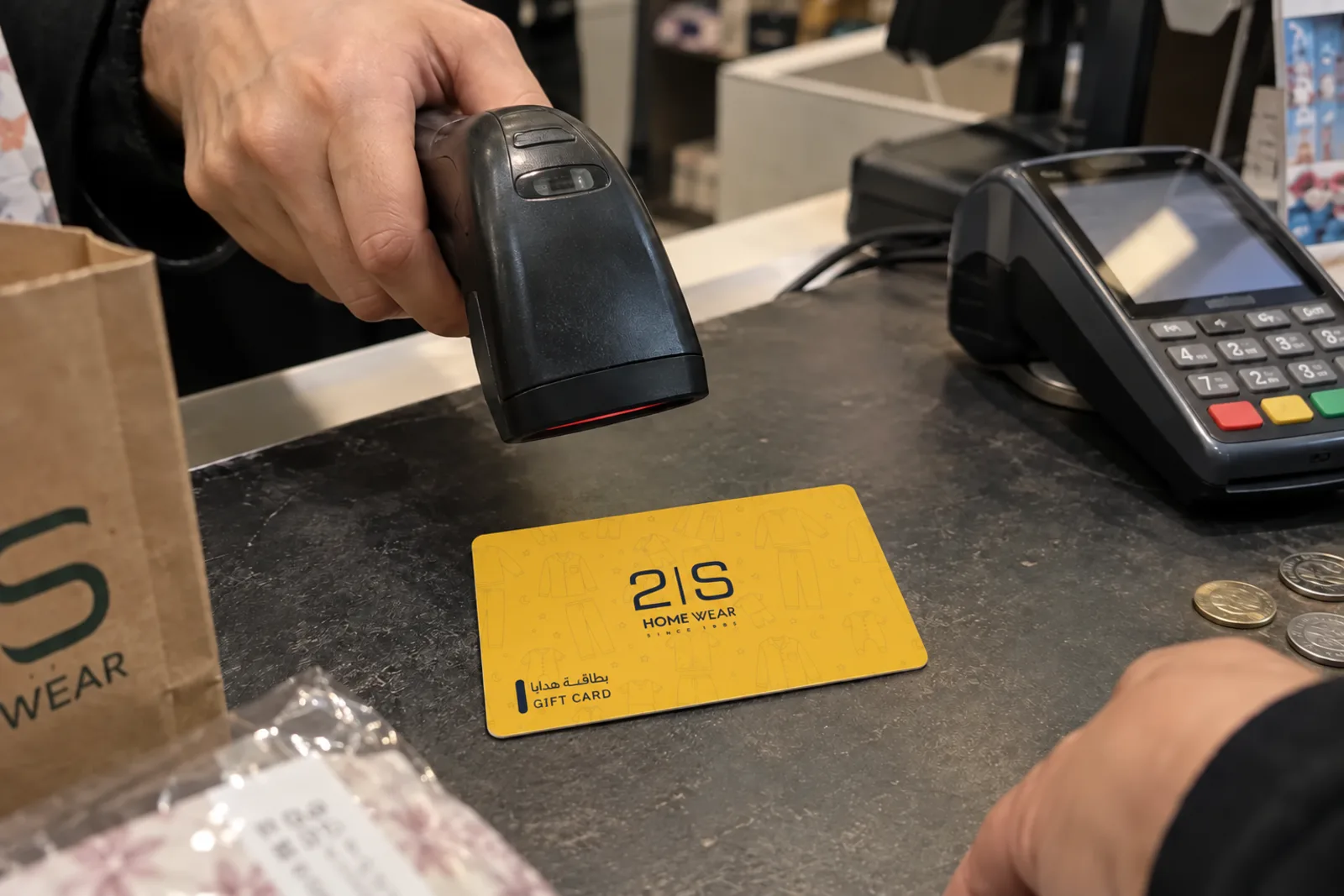
Your cashiers sell, top up and redeem cards from the Qboon merchant app. Your team designs, issues and tracks them from the console. Cards can be printed or digital.
- Printed or digital
- Every card has a PIN
- Works across branches
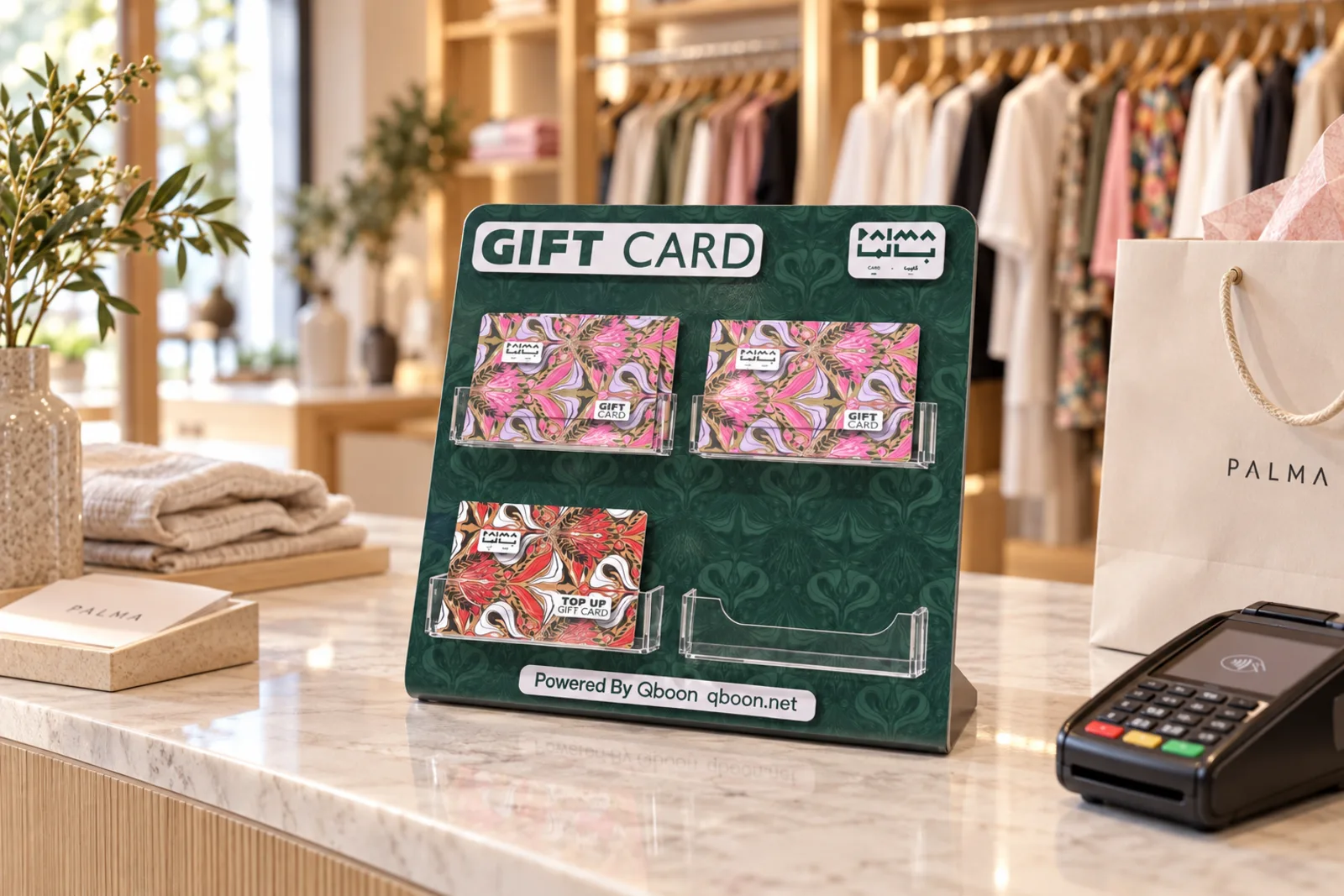
A stand for your cards
A branded acrylic stand for your counter, with your cards in each pocket and "Powered by Qboon" on the footer.
Printed cards
The size of a bank card
We print your cards with your design on the front.
- Size
- Bank-card size, your design on the front.
- Back
- Code, PIN and a barcode on the back for your cashiers to scan.
- Balance
- Customers check their balance at qboon.net/balance.

Card types
Pick how each card works
Fixed-value gift cards
A set amount for gifting or rewards, ready to spend in one visit or several.
Dynamic-value gift cards
Customers choose their own amount when they buy it.
Reloadable gift cards
Customers add money at the till and spend it later.
Discount gift cards
A percentage off, for staff, members or partners.
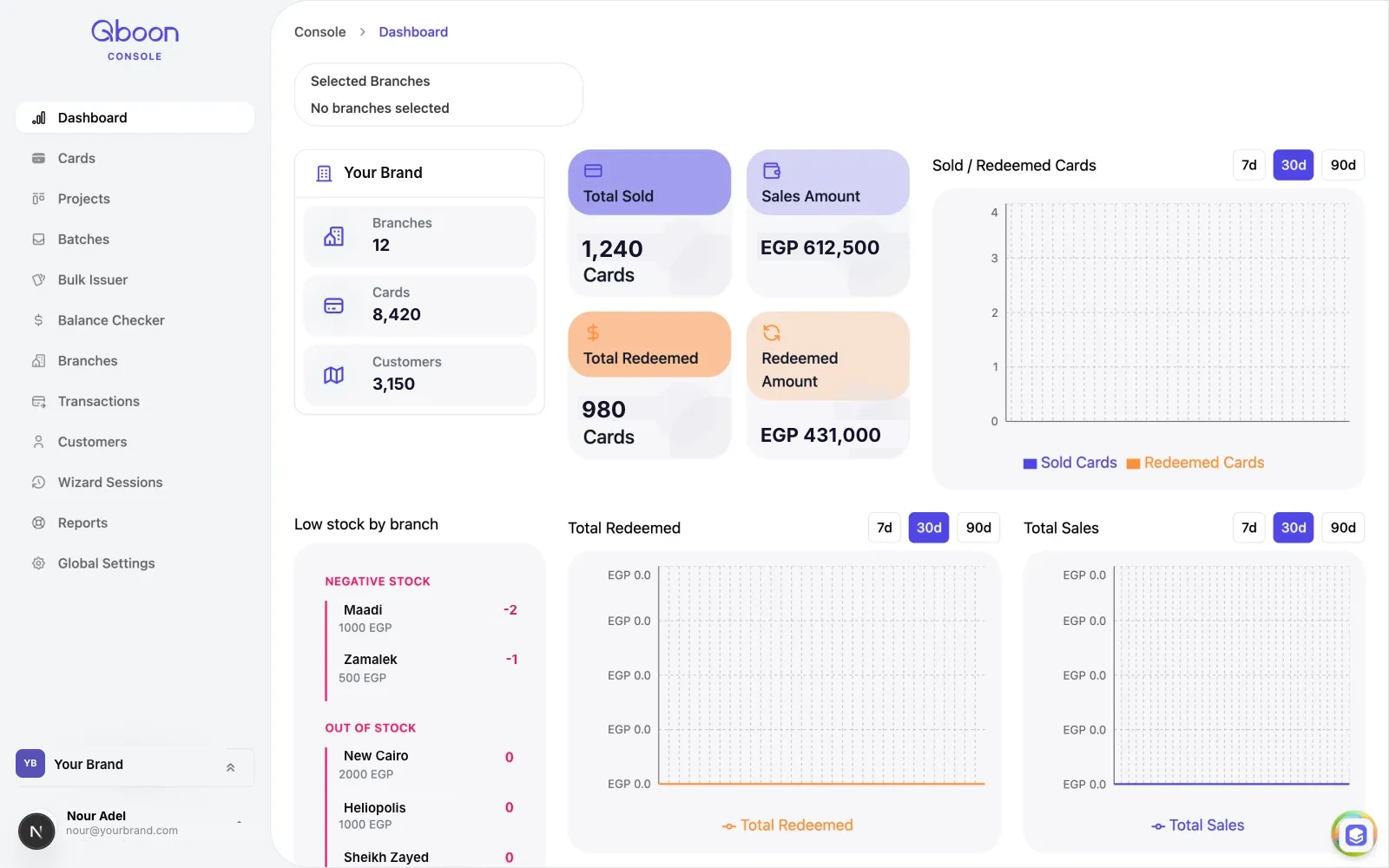
See every branch from one place
Add your branches and give each person a role there: admin, manager or cashier. The dashboard shows cards sold, sales, what's been redeemed and which branch it happened in.
Questions
Good to know
What do my cashiers need?
A phone, tablet or computer with a camera, or a USB barcode scanner. They can also type the code and PIN.
Can customers check their balance?
I already use Odoo or Shopify. Does it work with them?
Which currency?
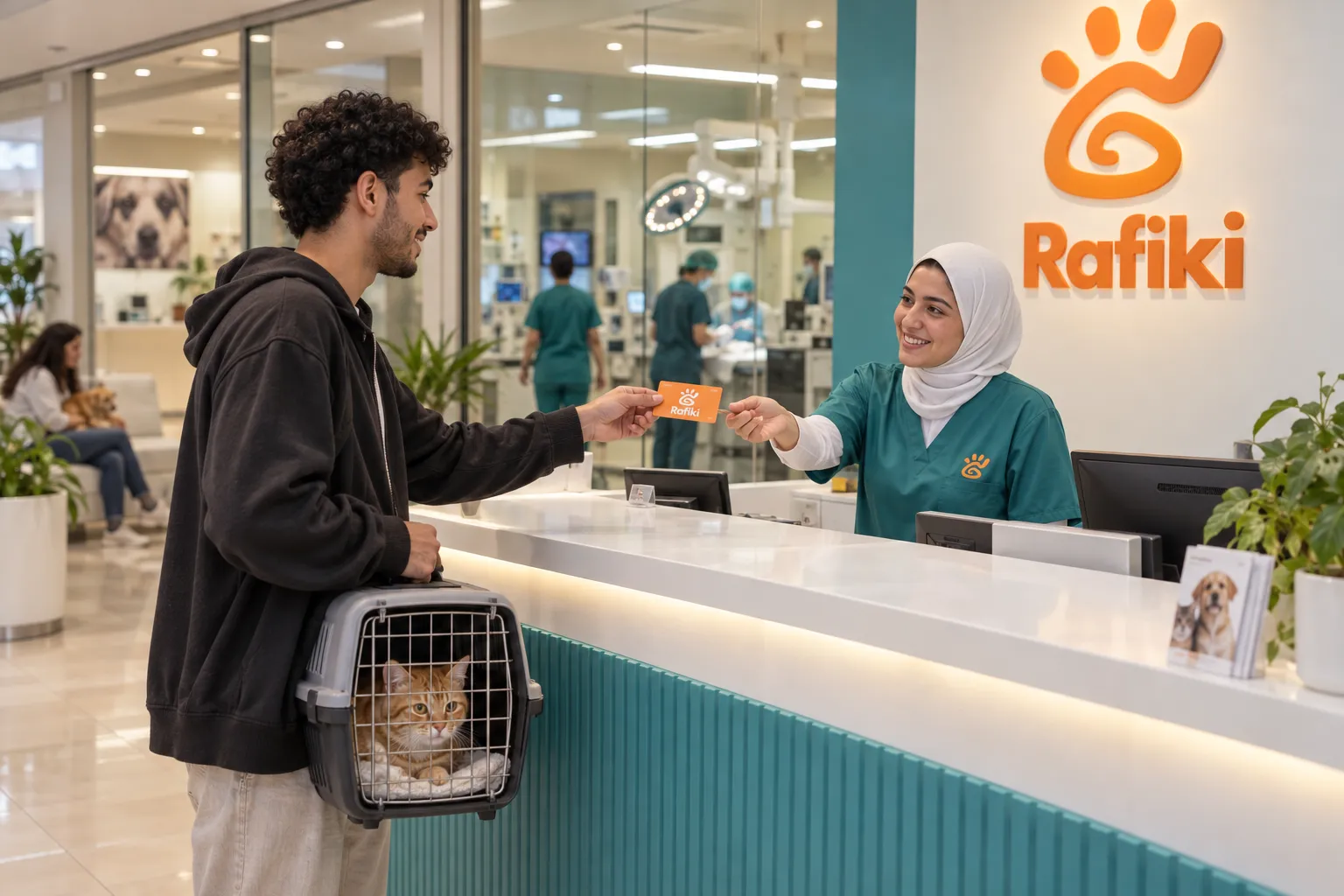
Start selling your own cards
Tell us about your branches and we'll set up your console, your app and your first print run.