
Integrations
Take Qboon gift cards in the tools you already use
Sell and redeem Qboon cards from Odoo Point of Sale. Let Shopify customers pay with them at checkout. You keep the till and website you already use.

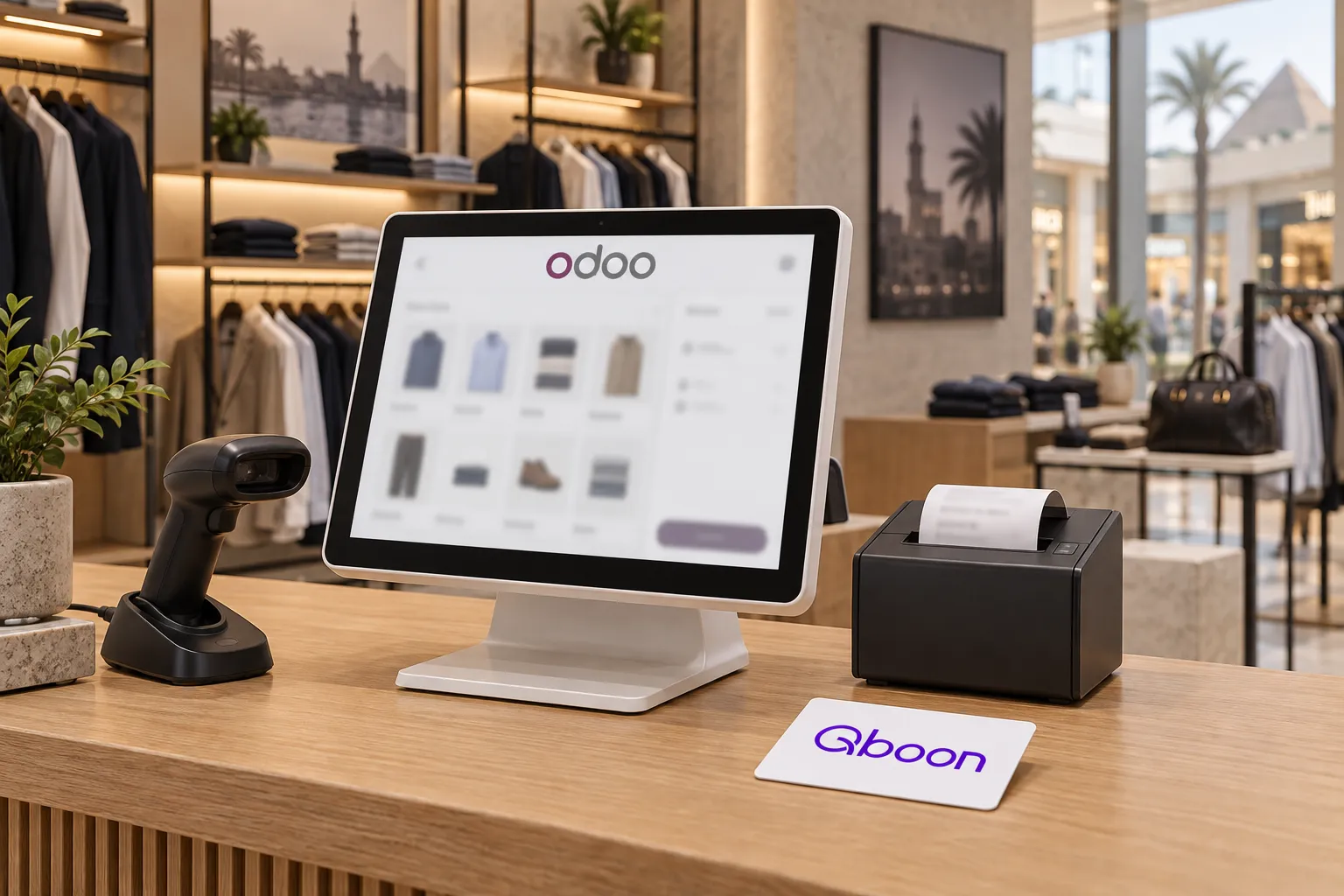
Gift cards at the Odoo till
Install Qboon POS from the Odoo Apps store. Your cashiers sell and top up cards and accept them as a payment method, with a PIN check on every redemption.
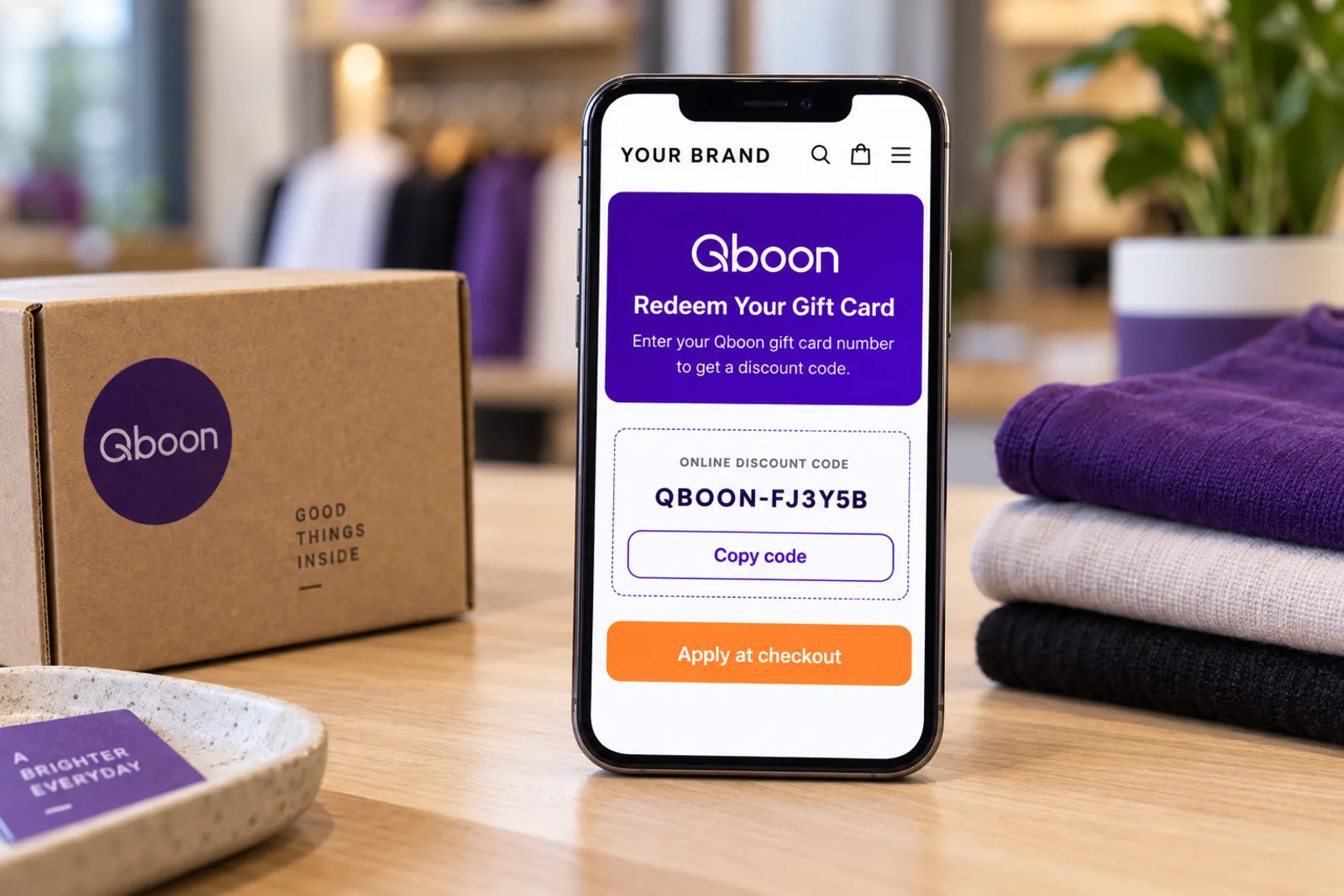
Gift card balances become discount codes
Customers enter their Qboon code and PIN on your store. The app checks the balance and gives them a one-time discount code for the same value, which they use at checkout like any other code.
Other POS systems
Connect through the partner API
If your POS isn't Odoo, your developers can call the same operations the Odoo app uses, with a key for each branch.
- Operations
- Sell, top up, redeem an amount, redeem a discount, verify a card and PIN
- Auth
- One API key per branch
- Retries
- Optional Idempotency-Key
- Currency
- EGP
Questions
Good to know
Do I need a Qboon account first?
Yes. The apps connect to your Qboon closed-loop setup, so we set that up with you first.
Which Odoo versions are supported?
Can a Shopify discount code be used twice?
Bring Qboon cards to Odoo or Shopify
Install the app and we'll help you connect it to your cards.